
Karaoke
Thursdays and Sundays, 9:30 PM to 1:30 AM.

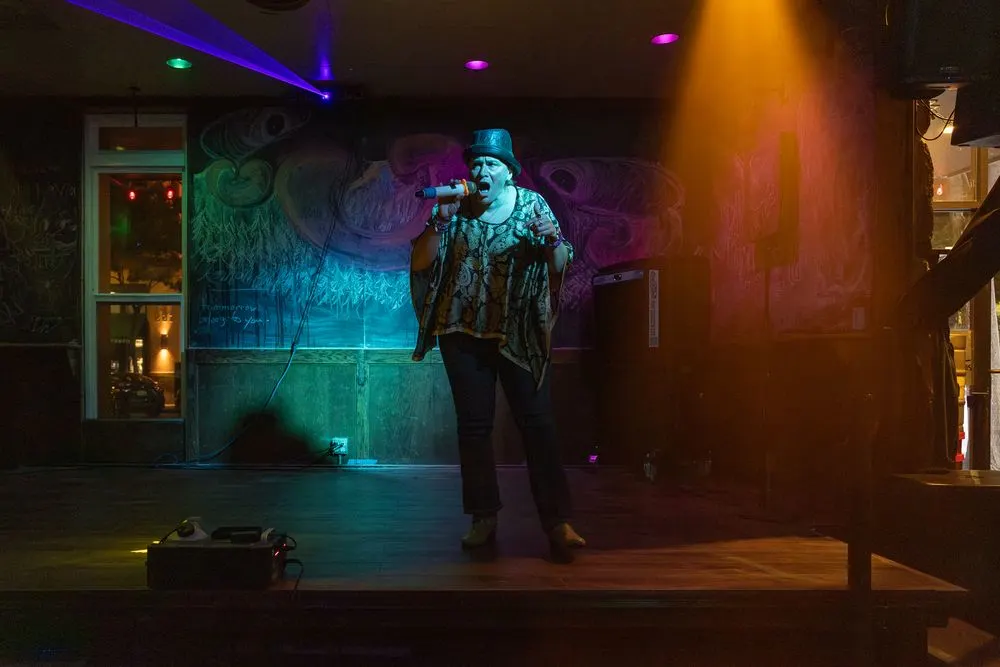
Take the mic
A huge, always-growing song library, great sound, and a KJ who keeps the line moving so everyone gets a turn. Hosted by Dan Demolition of WildStyle Karaoke.
How it works
- 1
Find your song
Search the library by title or artist, or spin Karaoke Roulette if you can't decide.
- 2
Get in line
Add yourself to tonight's queue. Newcomers get worked in, so first-timers don't wait all night.
- 3
Watch the board
See your place in line from your phone and head to the stage when you're up.
Scan to request
Point your phone camera at the code to open the song list. Search, request, and you're in the line.
Set up your phone
Do this once and karaoke is one tap away, with alerts when you're up next. It takes about a minute.
iPhone
- Open wskar.com in Safari. It has to be Safari, not Chrome.
- Tap the Share button (the square with an arrow, at the bottom of the screen).
- Scroll and tap Add to Home Screen, then Add.
- Close Safari and open WildStyle Karaoke from the new icon on your home screen.
Android
- Open wskar.com in Chrome.
- Tap the three dots menu in the top corner.
- Tap Install app (or Add to Home screen), then confirm.
- Open WildStyle Karaoke from the new icon on your home screen.
Turn on notifications
- Open the app from your home screen icon. On iPhone this only works from the home screen app, not from Safari, and needs iOS 16.4 or newer.
- Tap Notifications in the app.
- When your phone asks, tap Allow. Now you'll get a heads-up when you're next in line.
Allow your location
- Tap Enable Location in the app.
- When your phone asks, choose Allow While Using App (or Allow on Android). It only needs your location while the app is open.
- If the app says location is blocked, see the fix below.
Tapped "Don't Allow"? Here's the fix
iPhone: open Settings, then Privacy & Security, then Location Services. Find WildStyle Karaoke (or Safari Websites) and choose While Using the App. For alerts, go to Settings, then Notifications, then WildStyle Karaoke and turn on Allow Notifications.
Android: long-press the app icon, tap App info (or the i), then Permissions. Set Location to Allow only while using the app and turn Notifications on. If you're in Chrome instead, tap the lock icon next to the address, then Permissions.
Still stuck? Ask the host at the stage, and they'll get you set up.
Chat with the room
Karaoke is better with people. Open the chat on wskar.com to find a duet partner, say hi to the table across the room, or message the host.
- Group chat for the whole room
- Private messages between singers
- A direct line to the host
- Photos, videos, GIFs and emojis
The host can see all messages, to keep the night fun and friendly for everyone.
Tonight's queue
Live from WildStyle Karaoke. See who's up and who's next. No sign-in needed.
Loading the line…
The order is an estimate and can change. Request a song to get in line.
Powered by the WildStyle Karaoke app, built by Dan Demolition
215 E 4th Ave, San Mateo, CA 94401